Airframe Studio · Early access
Edit 4K video in your browser. Publish to YouTube in one step.
Airframe Studio is a browser-based video editor for YouTube creators. No installation, original-quality export, and direct upload to YouTube.
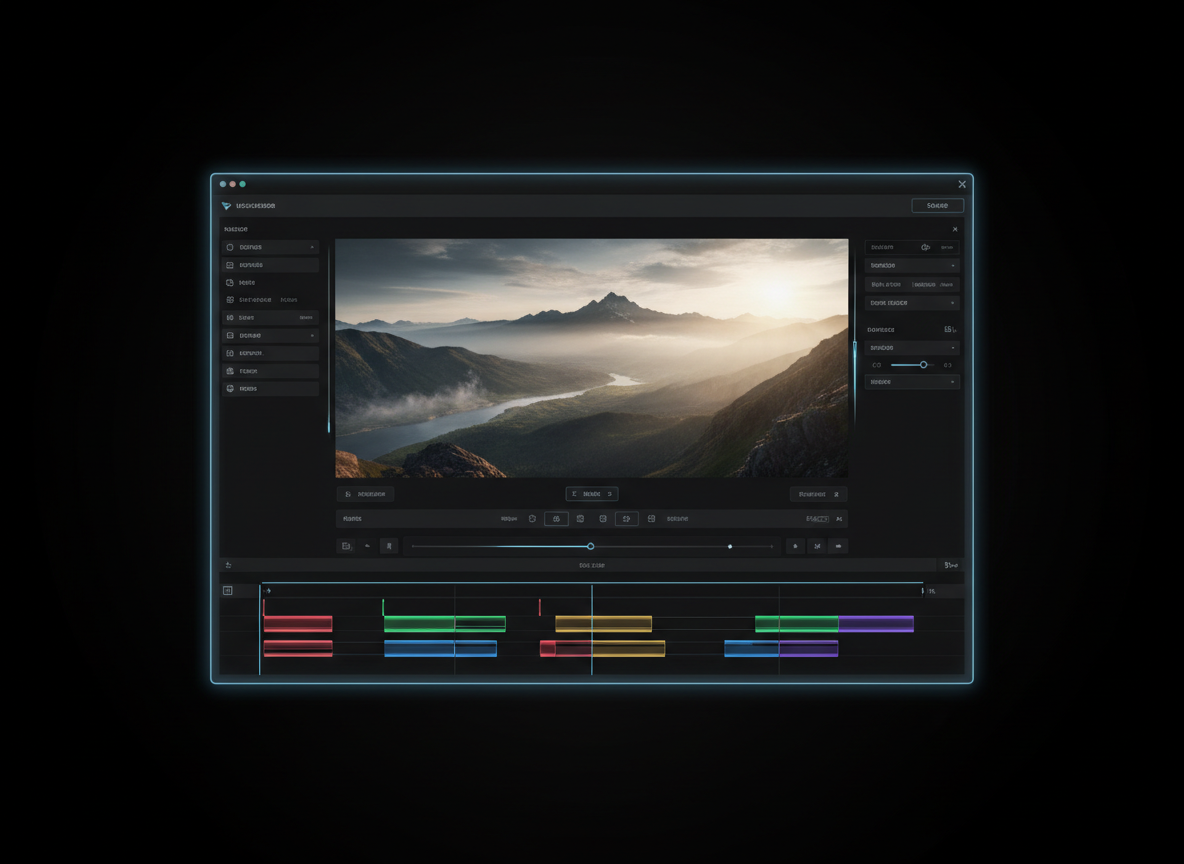

Product
A full video editor, with nothing to install.
Airframe Studio runs entirely in your browser, so you can open a project and start cutting right away. Edit 4K video, keep your footage at its original quality on export, and send the finished video straight to your YouTube channel.
- Edit 4K video in the browser
- Export in original quality
- Upload directly to YouTube
How it works
From raw footage to published video in three steps.
01
Open your browser
Start editing 4K video right away. There is nothing to download or install.
02
Edit and export
Cut, arrange, and finish your video, then export it in original quality.
03
Upload to YouTube
Send the finished video directly to YouTube without leaving Airframe Studio.
Features
Built around how YouTube creators work.
4K editing in the browser
Work with 4K video directly in your browser, on the machine you already have.
No installation
Open Airframe Studio and start working. There is no software to download, update, or maintain.
Original-quality export
Export your finished video in its original quality, so your footage looks the way you shot it.
Direct YouTube upload
Publish from the editor straight to YouTube, with no separate export-and-upload step.
Compare
Airframe Studio vs. a traditional desktop editor.
| Airframe Studio | Desktop editor | |
|---|---|---|
| Installation | None. Runs in your browser | Download and install software |
| 4K editing | In the browser | On the installed application |
| Export quality | Original quality | Depends on export settings |
| Publishing to YouTube | Direct upload from the editor | Export a file, then upload separately |
FAQ
Questions, answered.
Do I need to install anything?
No. Airframe Studio runs in your browser, so there is nothing to download or install.
Can I edit 4K video?
Yes. Airframe Studio is built for editing 4K video in the browser.
Will my export keep its original quality?
Yes. You can export your video in its original quality.
Can I publish directly to YouTube?
Yes. You can upload your finished video directly to YouTube from Airframe Studio.
How do I get access?
Airframe Studio is in pre-launch. Join the waitlist below with your email address to request early access.
Get early access to Airframe Studio.
Join the waitlist with your email and be among the first to edit 4K video in your browser.
Enter your email to join the Airframe Studio waitlist.
Airframe Studio
A browser-based video editor for YouTube creators. Edit 4K video with no installation, export in original quality, and upload directly to YouTube.
Explore
Airframe Studio is a product of CnergyOne.
© 2026 CnergyOne. All rights reserved.